Add Zoom account
Automatic translation. View original
This function will make your life much easier but its setup takes some steps. It will take you about 5 minutes to configure. If you need help or assistance please contact conozco: Contact.
First part: Create app in Zoom
- Go to https://marketplace.zoom.us/develop/create
- Click on Create
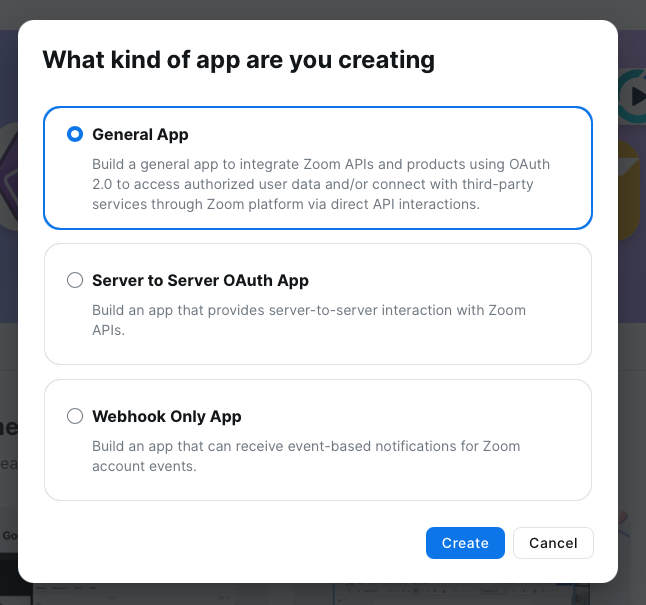
-
Put “https://learn.derose.app” in the fields Redirect URL for OAuth and Add allow lists

-
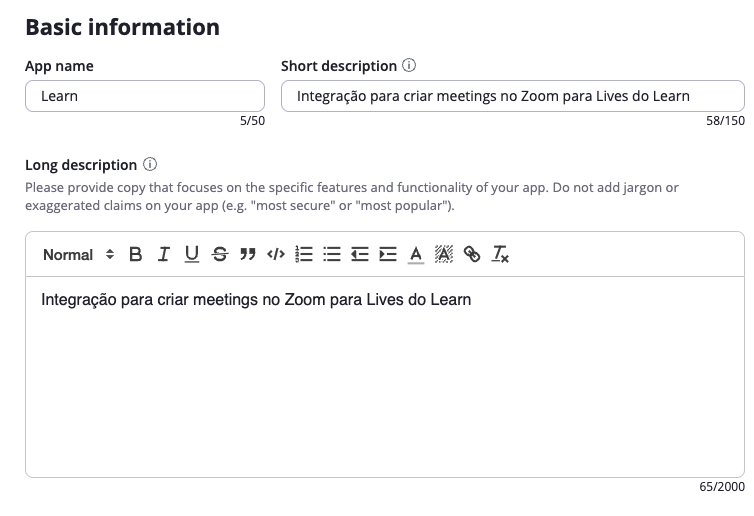
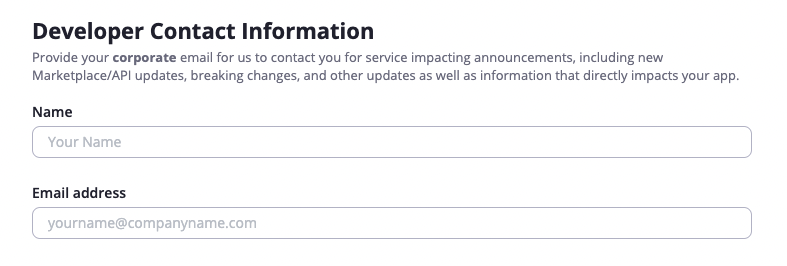
-
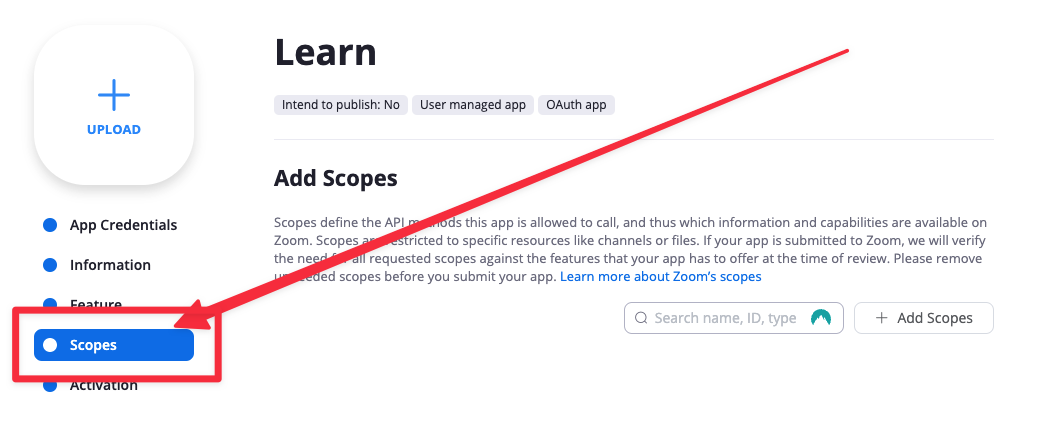
and add the Scopes “Meeting” > “Select All Meeting Permissions” and “User” > “Select All Meeting Permissions”
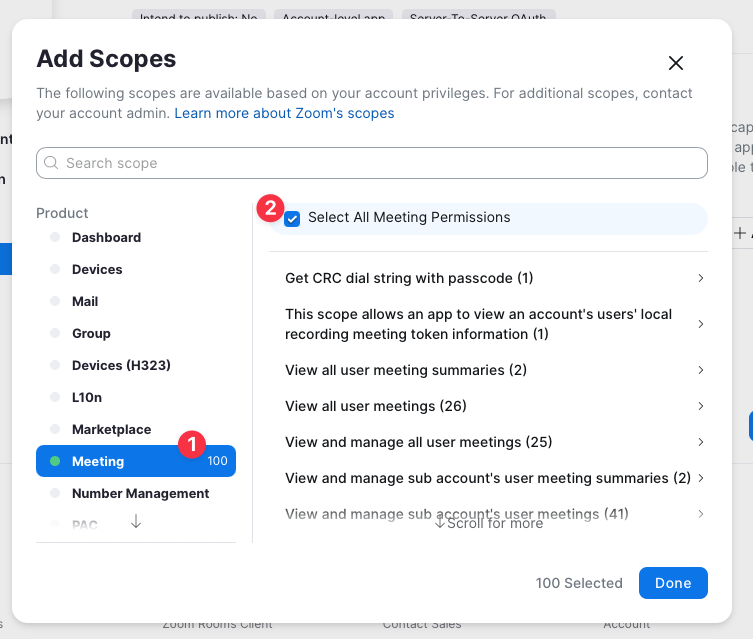
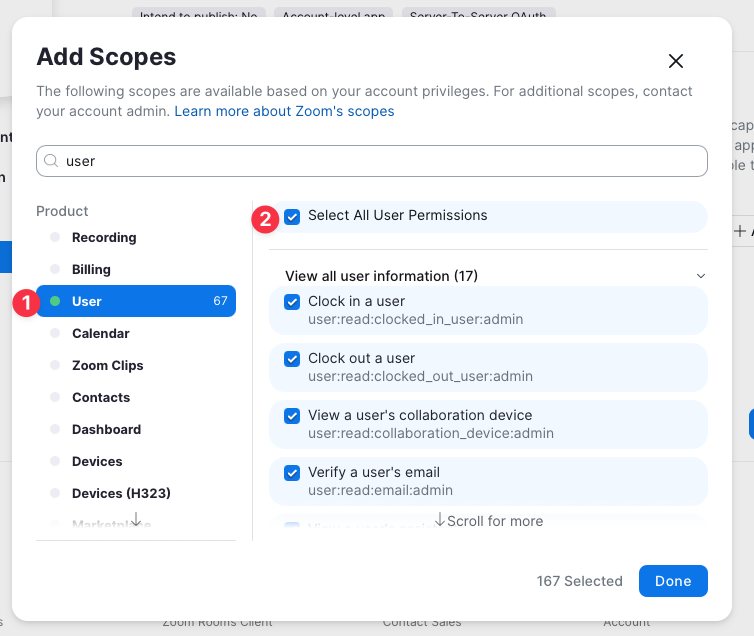
-
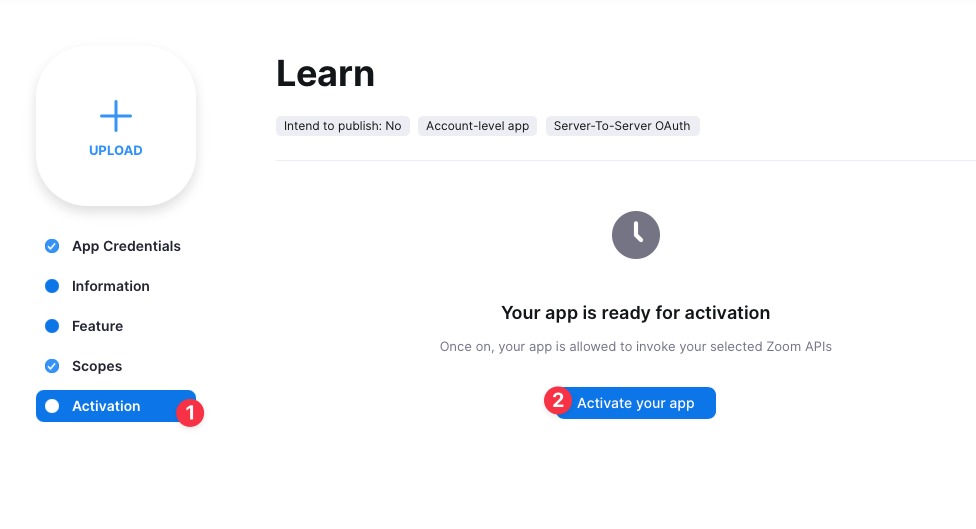
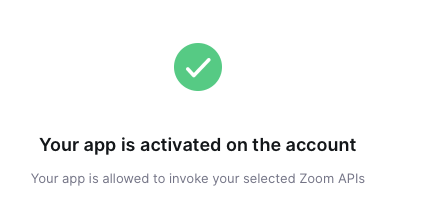
After finishing you must have an “Add” button in the “Activation” tab
Second part: Authorize access to Learn
-
Select “oauth2” in Authentication Protocol and “My Own App” in Parent account.
-
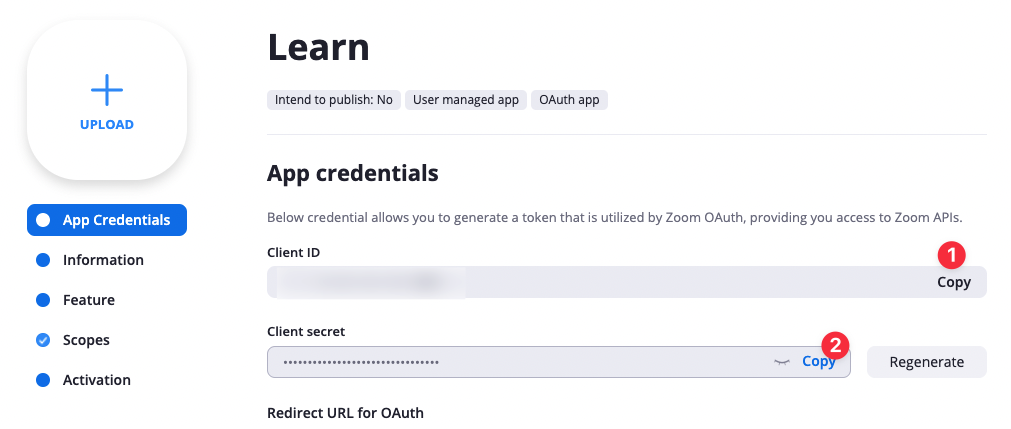
To fill in the Client and Client Secret fields Copy and paste from the app you created in zoom. See in the image:
-
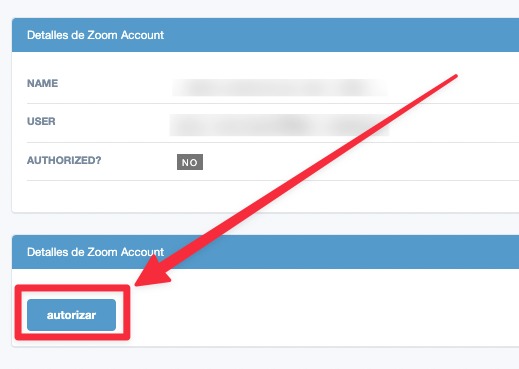
When saving click on ‘authorize’.
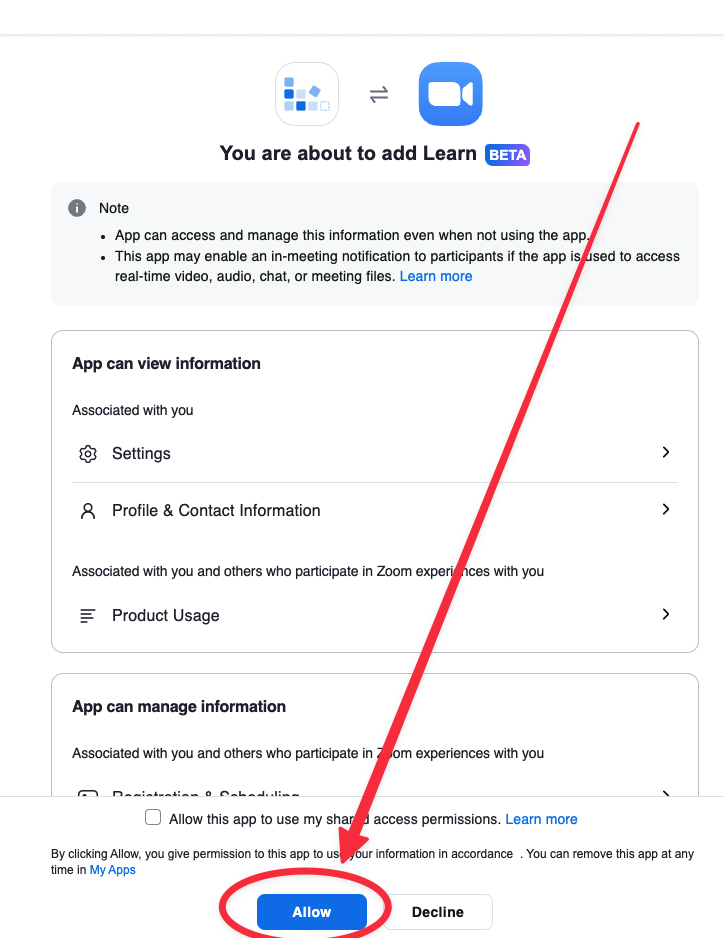
5. Click on “Allow”