
Booking / Reservations
Automatic translation. View original
Once the booking module is enabled, you can configure which activities require a reservation and from there define different criteria:
How to configure a class with seat reservations
- number of vacancies
- times to book: from when and until when
- waiting list
- etc...
Default booking configuration
Every time a post with booking is created, the previously configured criteria will be applied by clicking the "Maintains default BOOKINGS configurations" option.
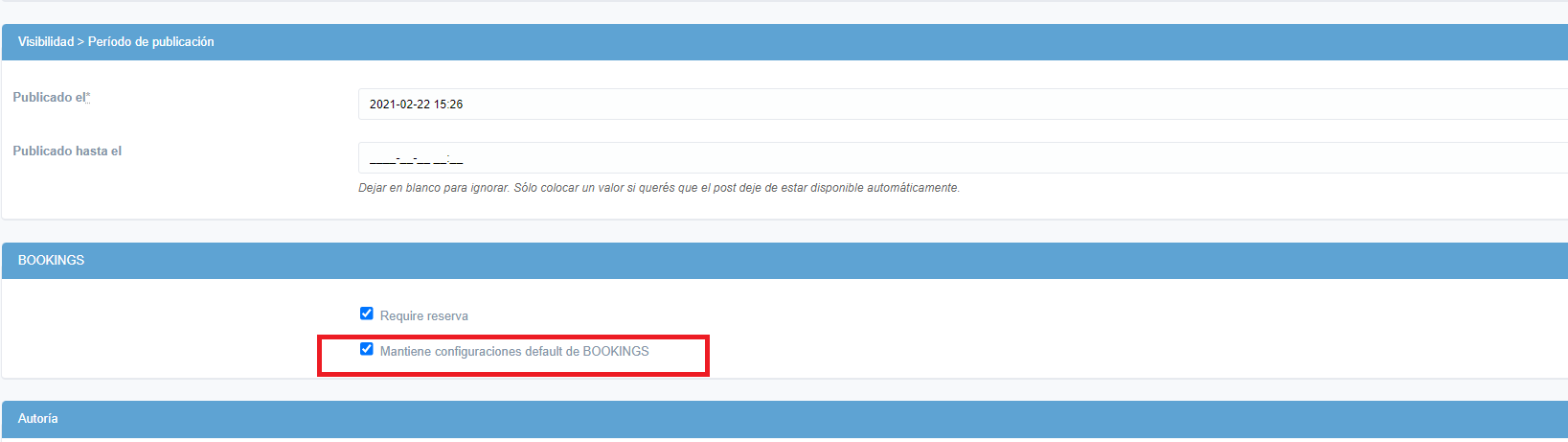
And when making changes in that configuration, they are applied to all posts.
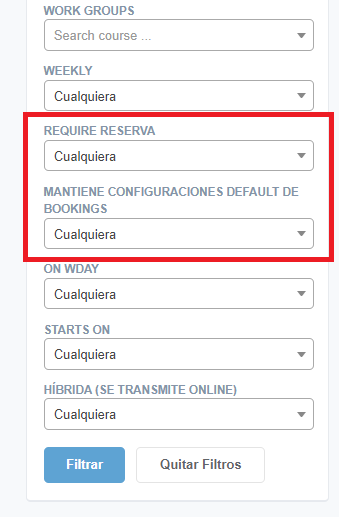
To know which posts follow these criteria, you can search for them using the search filters: if the post requires booking and if it maintains the default configuration.
Related to bookings: