
Instructor app
Automatic translation. View original
The instructor app is in an experimental stage !!
The instructor app is simpler than the advanced panel.
Navigation between apps
By tapping the wrench icon we switch from the student app to the instructor app.
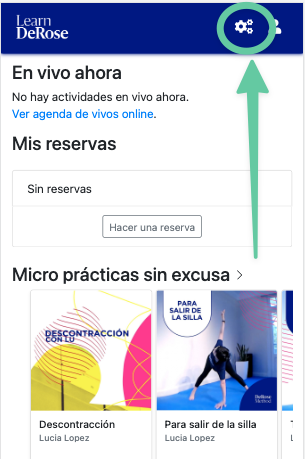
By tapping the eye icon we switch from the instructor app to the student app.
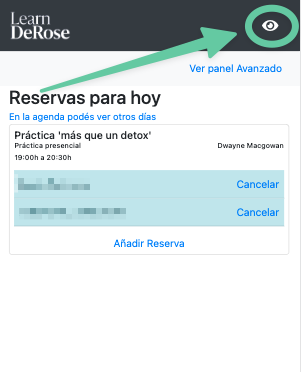
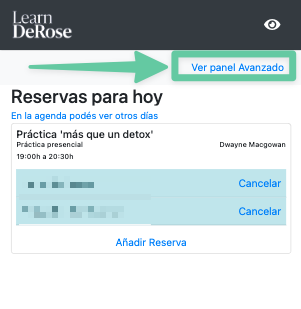
By tapping 'View advanced panel' we go to the administration panel that we already know.
Home screen
For now it shows reservations for the day.
Agenda
This screen is similar to the 'attendances' screen of PADMA.
Allows viewing all reservations and attendances. Register check-ins, reservations, cancellations, etc.. Reservations and check-ins can be made for Learn users or also for Padma contacts who do not have a Learn user account.
Filters allow modifying which classes we see.