Create segments in Brevo
Automatic translation. View original
After logging into Brevo, we go to the left, to the contacts section.
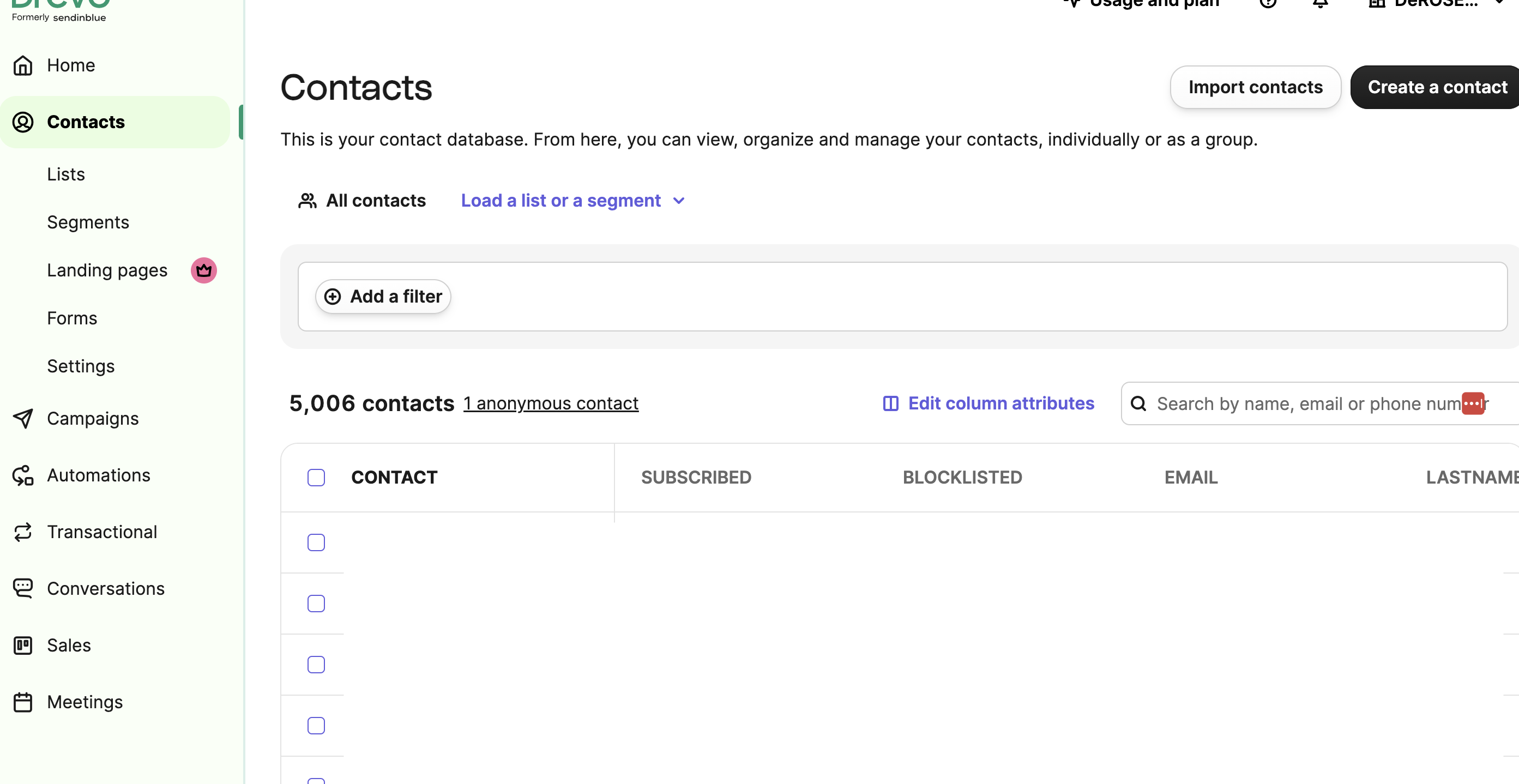
Next, we select segments.
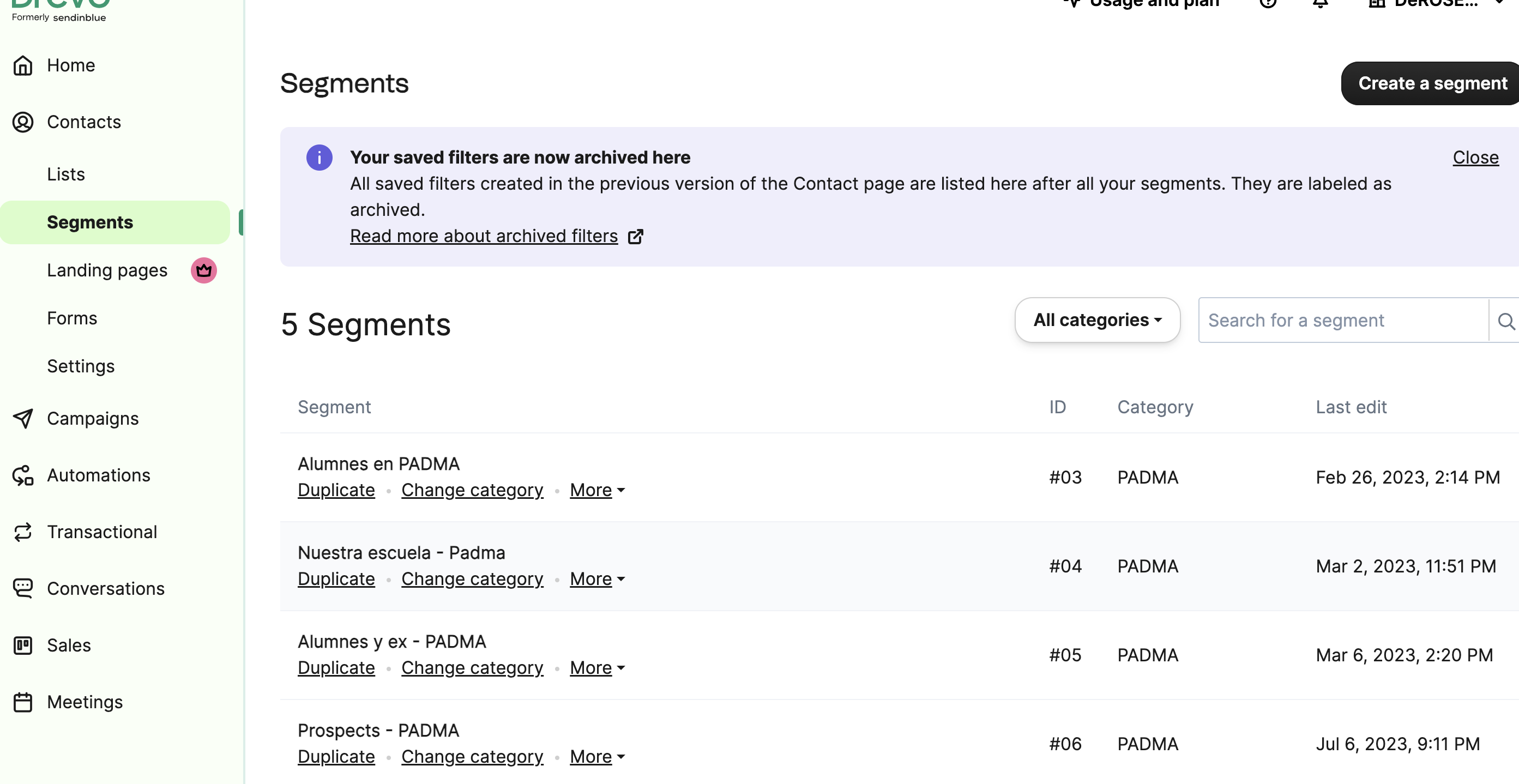
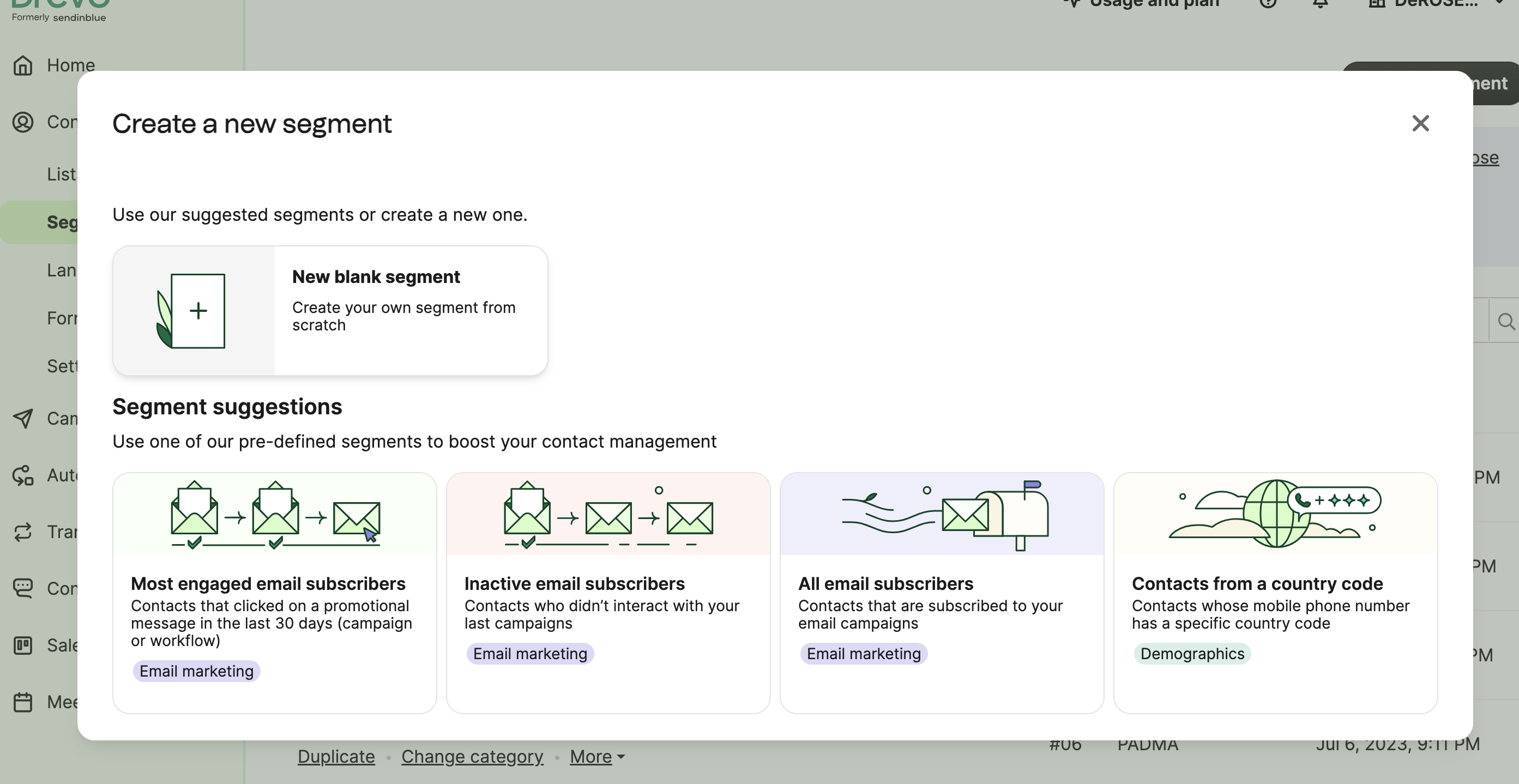
In the upper right corner, we have the option to create a segment.
Click on new blank segment
Click on add new filter
Choose Contact details (Contact details)
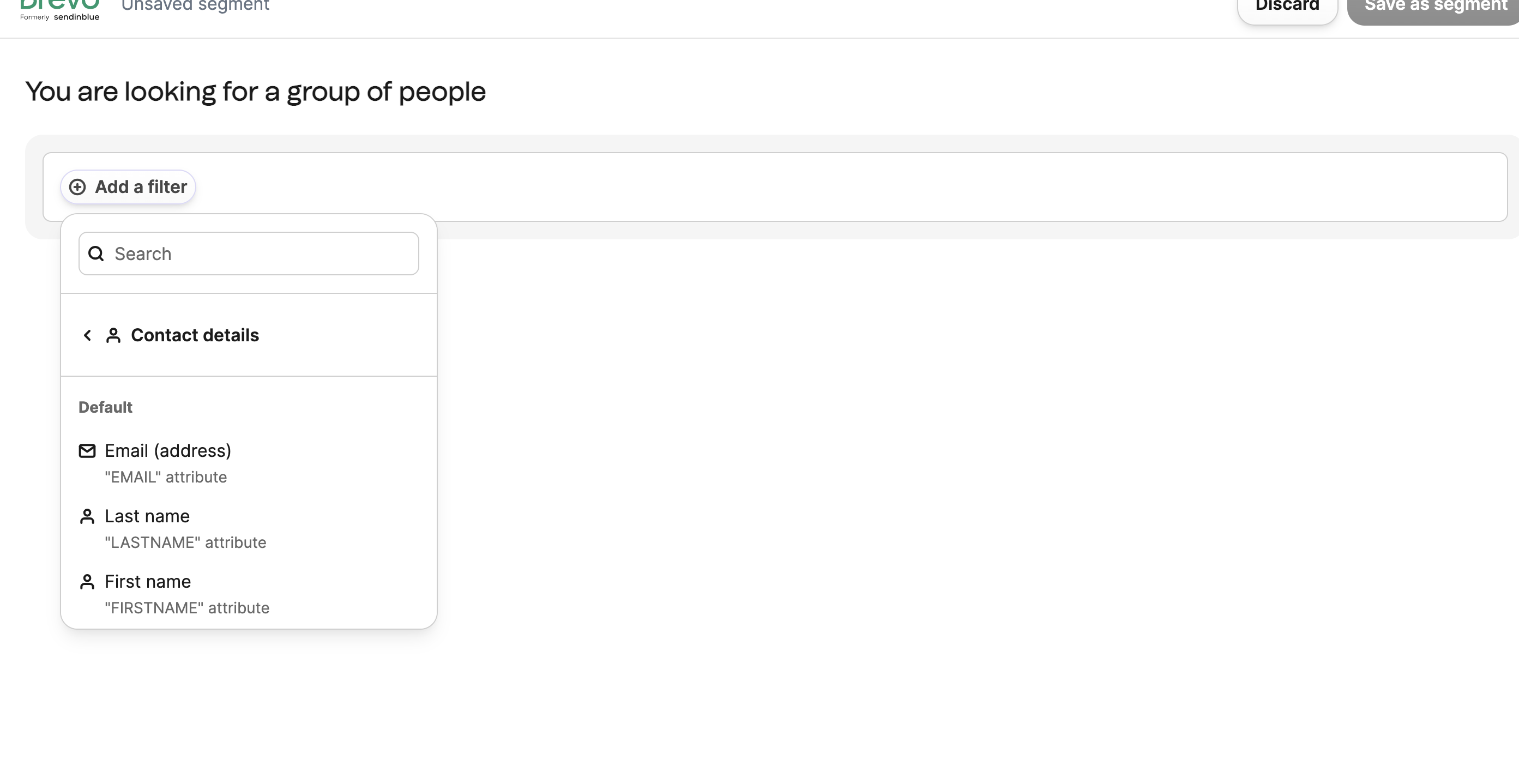
Again Contact details
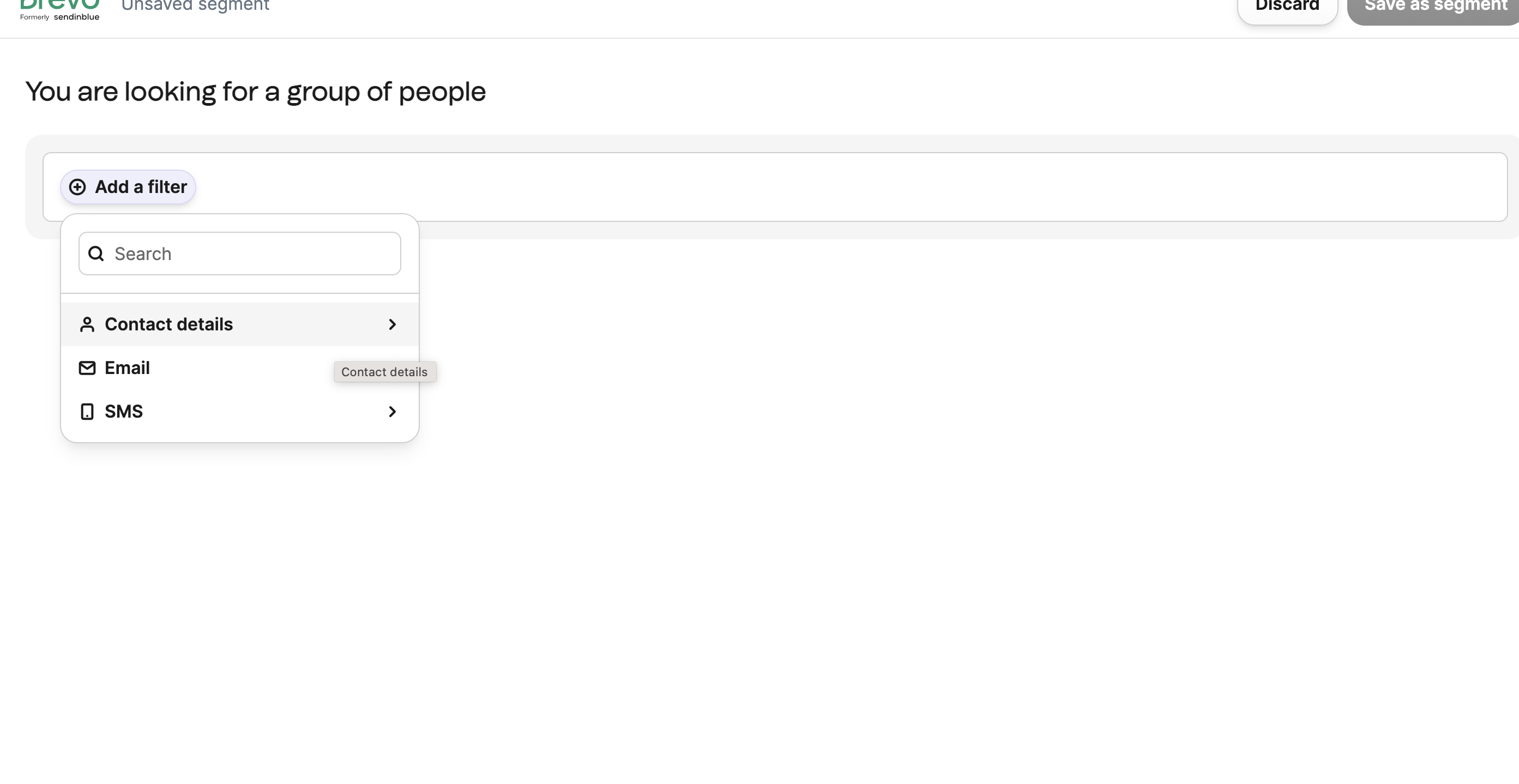
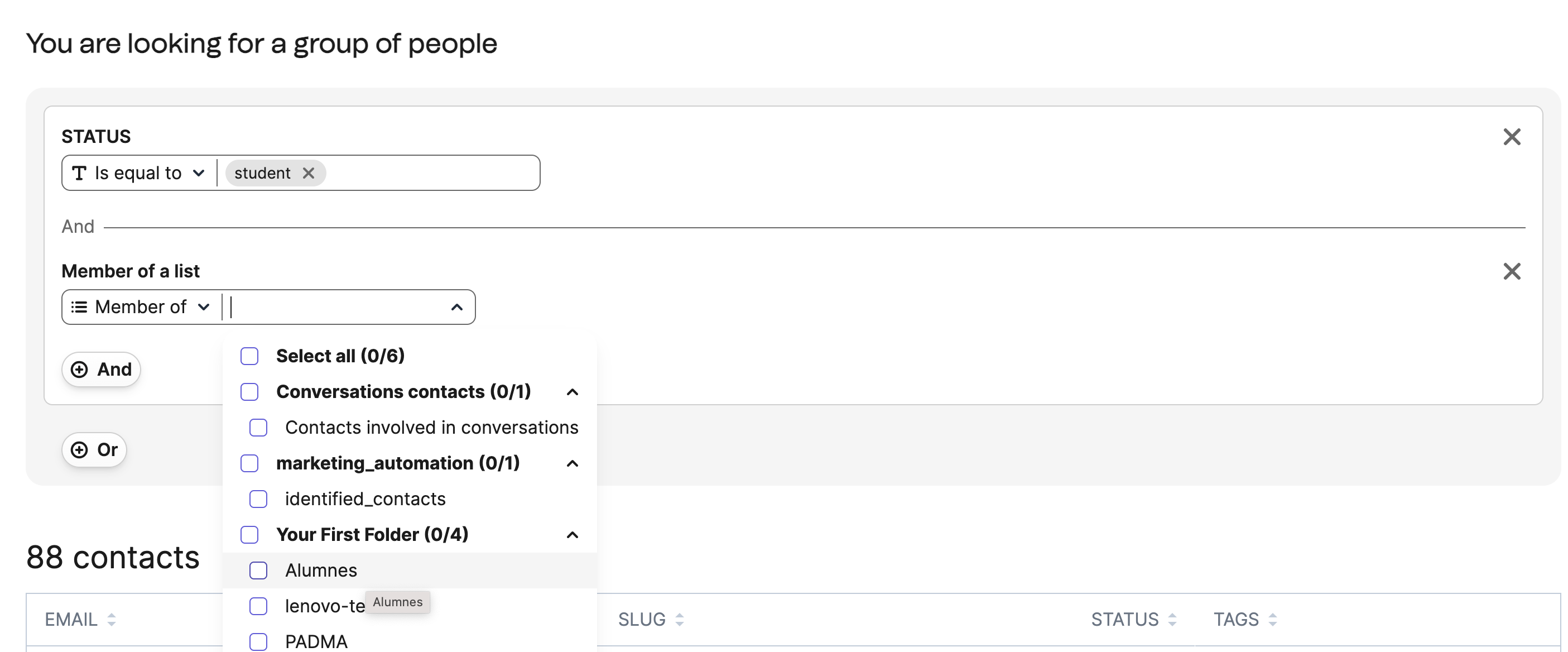
Look for status
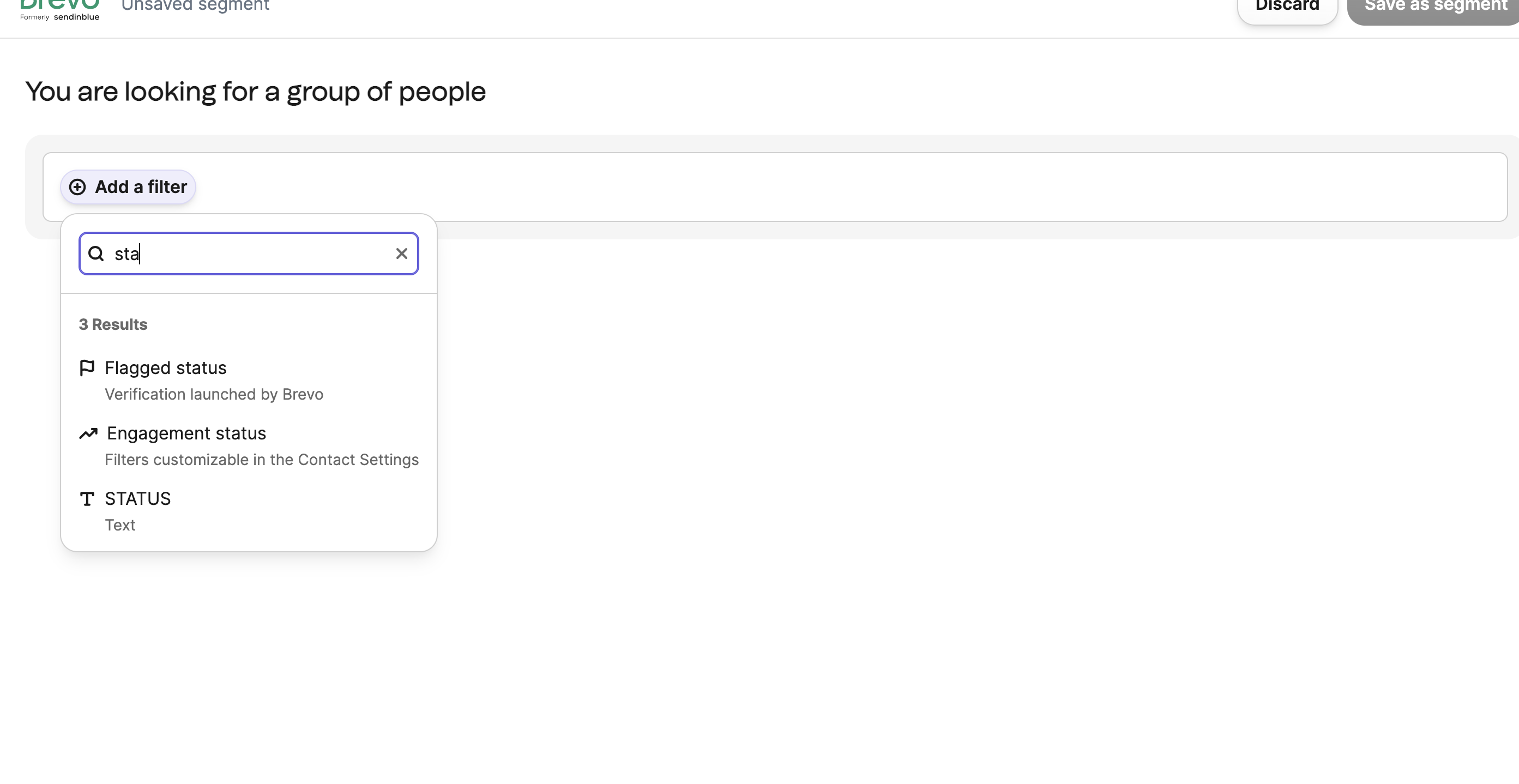
Select the status
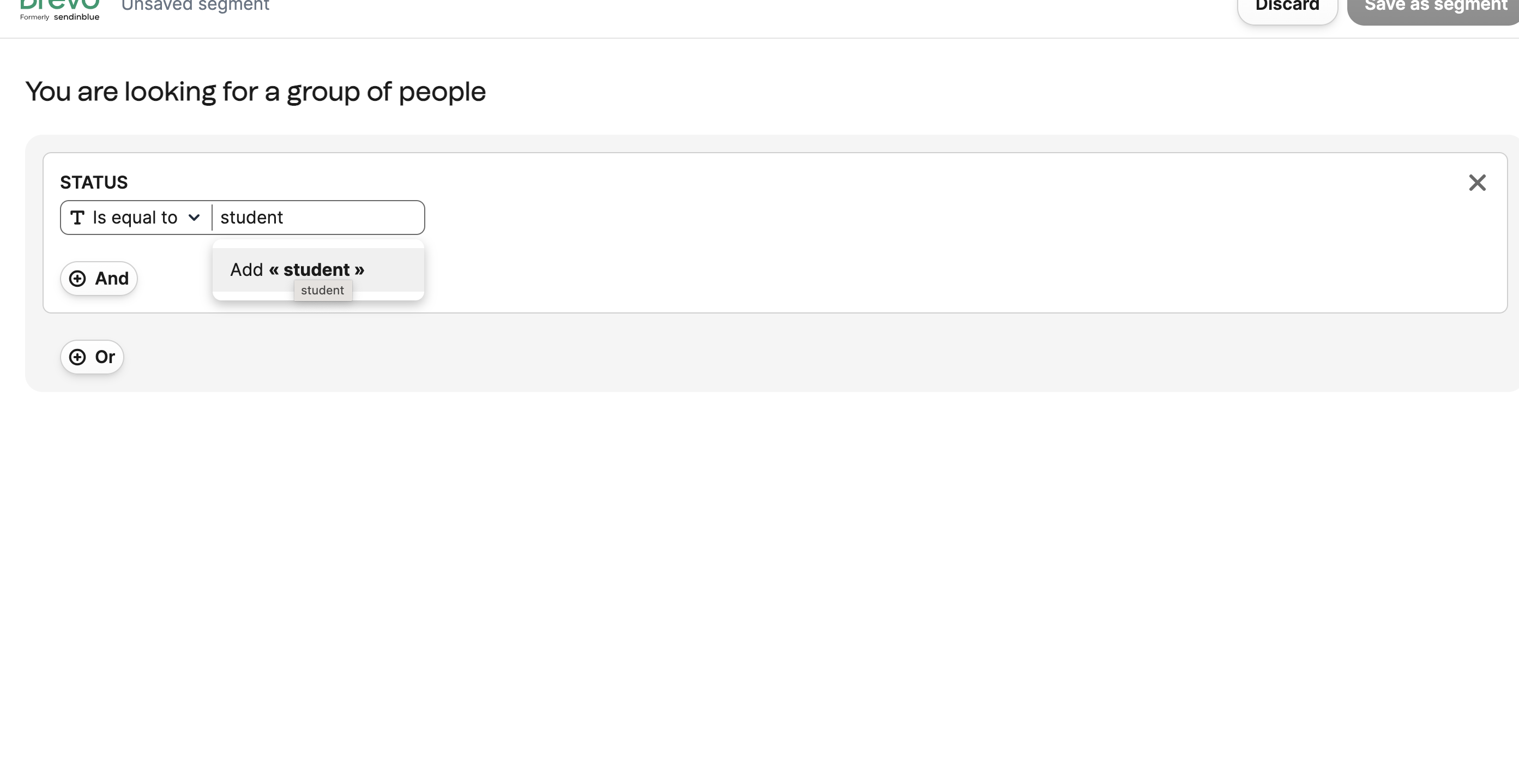
Once selected, it will show all contacts that meet this requirement.
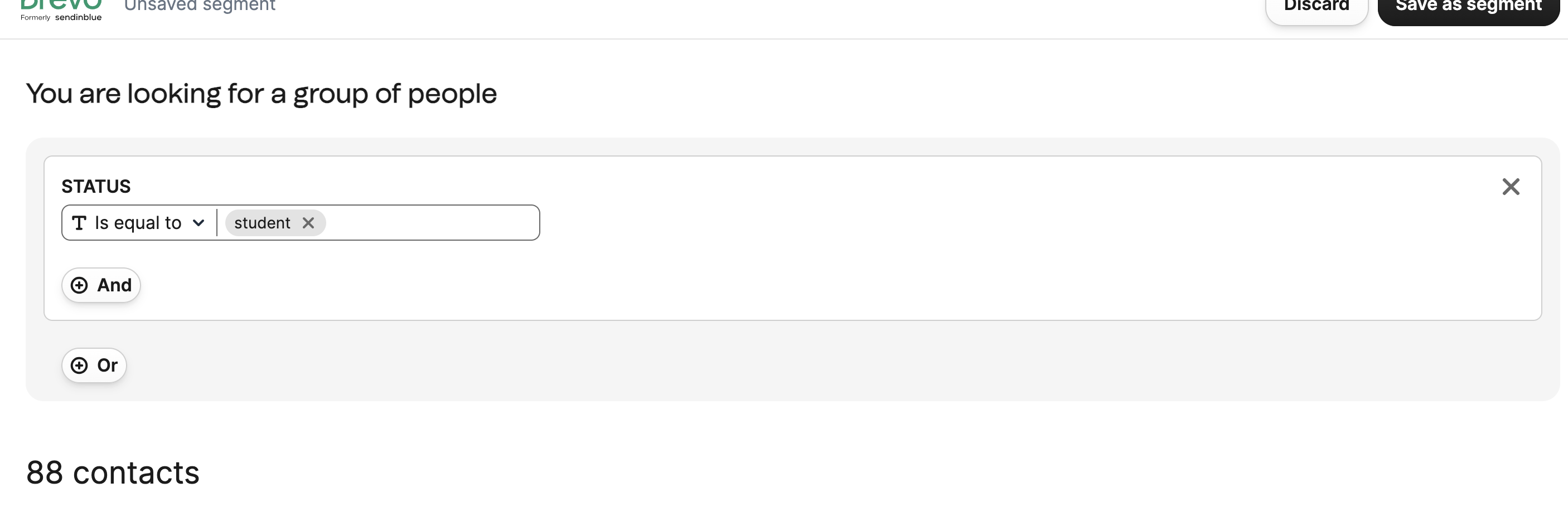
If we have more than one list, we can also check if this segment is just from that list. We add one more filter, go to Contact details
Select member of a list
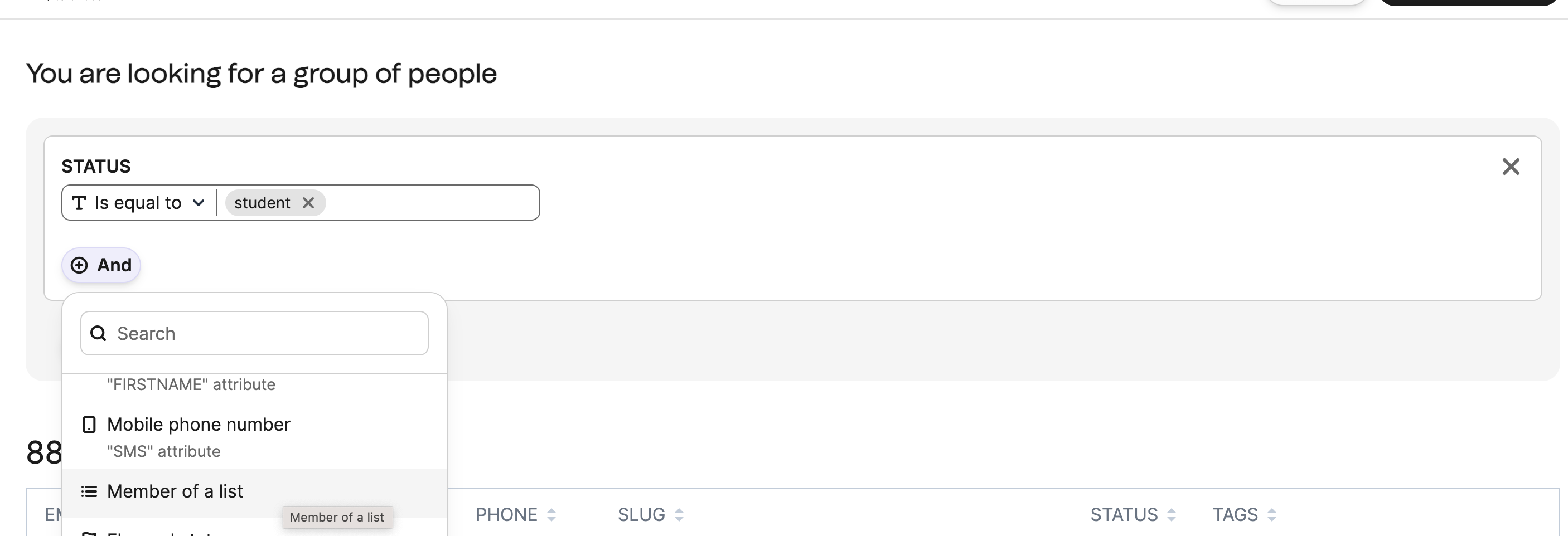
and then select the corresponding list, which is being synced with PADMA