
How to connect your Wellhub/Gympass account
Automatic translation. View original
Access the Wellhub/Gympass configuration screen
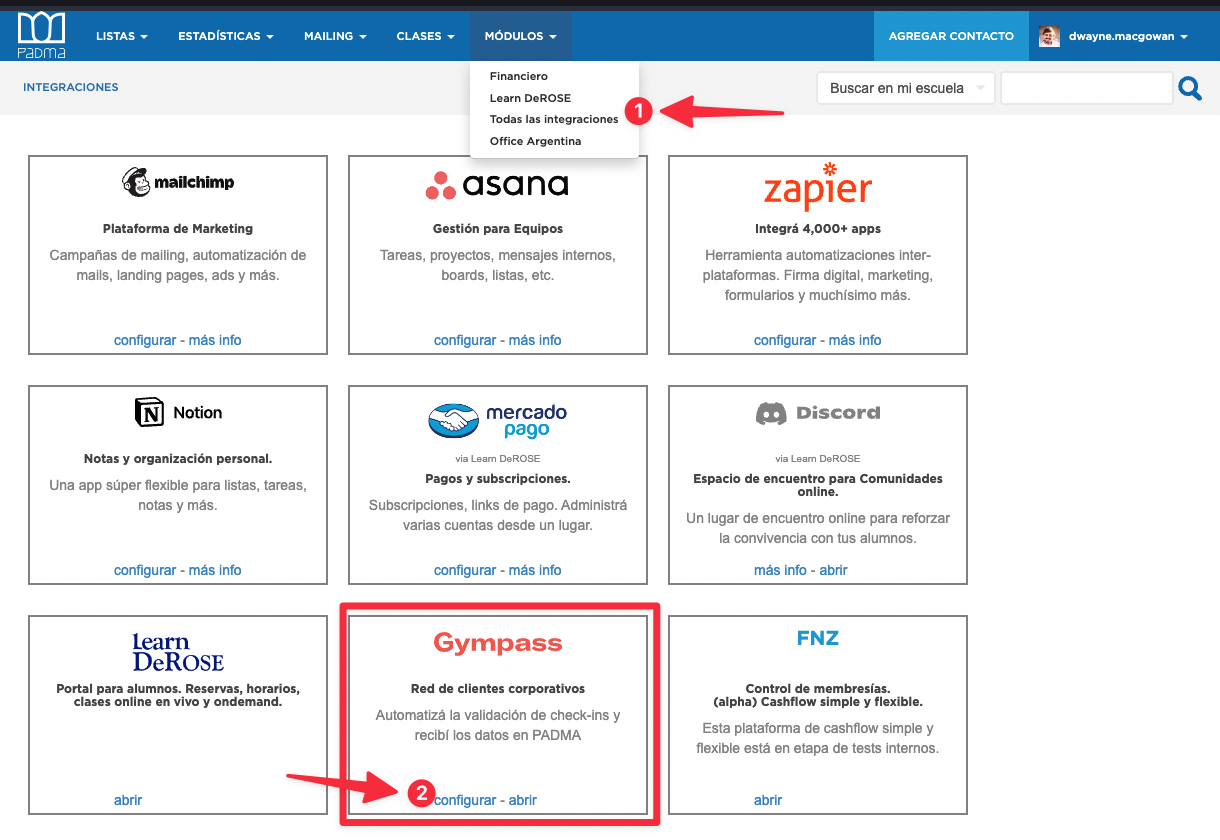
To connect your Gympass account with your PADMA, go to “All integrations” and in the Gympass box click on “configure”:
Has my account already been linked?
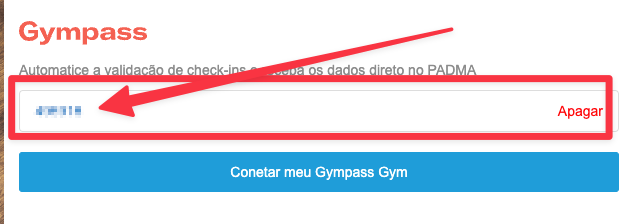
If your GymID is already showing there, then your account is already linked with Gympass.
How to link your account
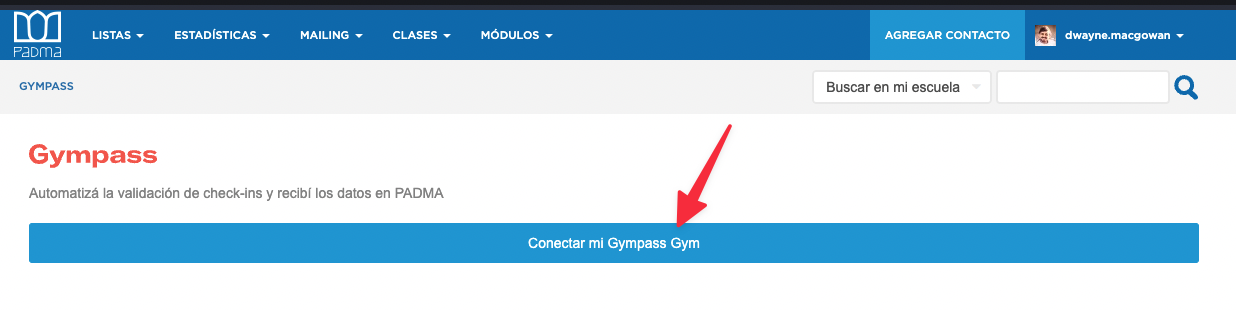
On this screen click on “Connect my Gympass Gym”
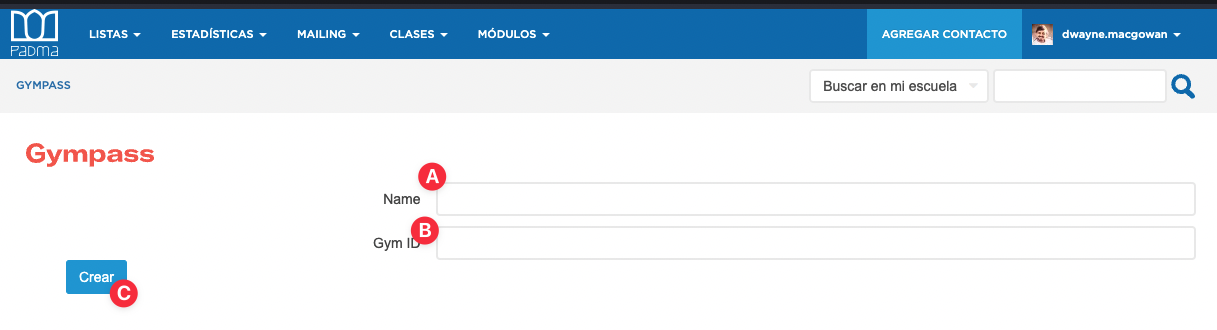
In the form enter a (A) descriptive name (usually the school name - optional data) and the (B) Gym ID provided by Gympass (required data) and (C) save.
Once done, we will request Gympass to enable the integration on their systems. This may take up to 1 business day.