
Create a list of students, alumni, and prospects
Automatic translation. View original
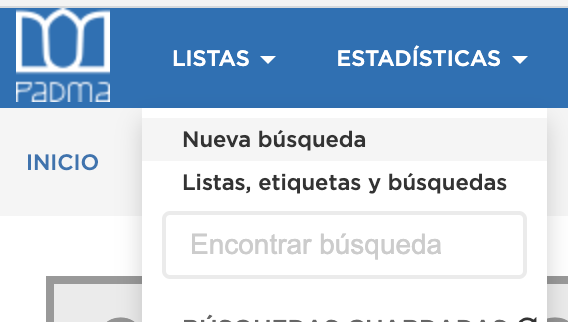
To create this list, go to lists -> new search
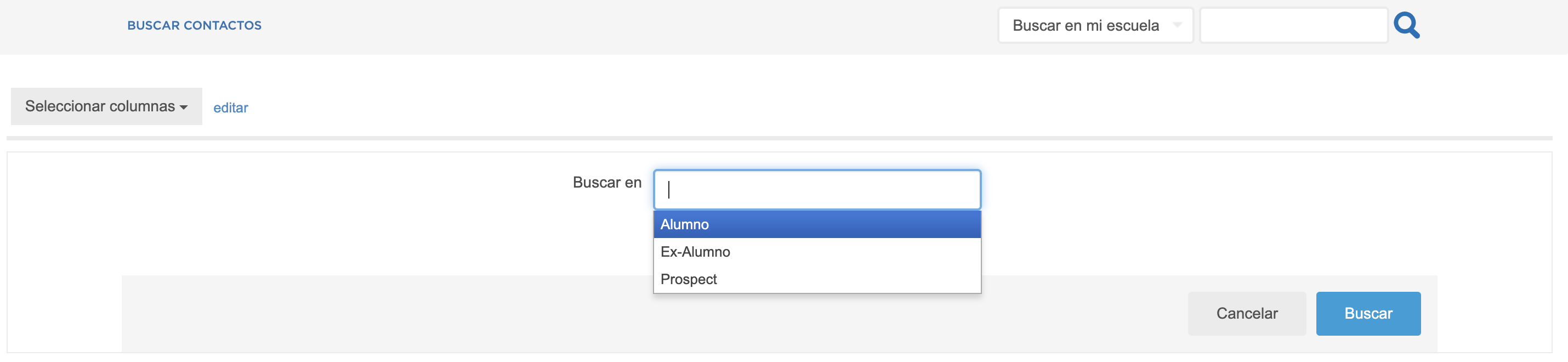
select the three possible values: students, alumni, and prospects.
When all three are selected
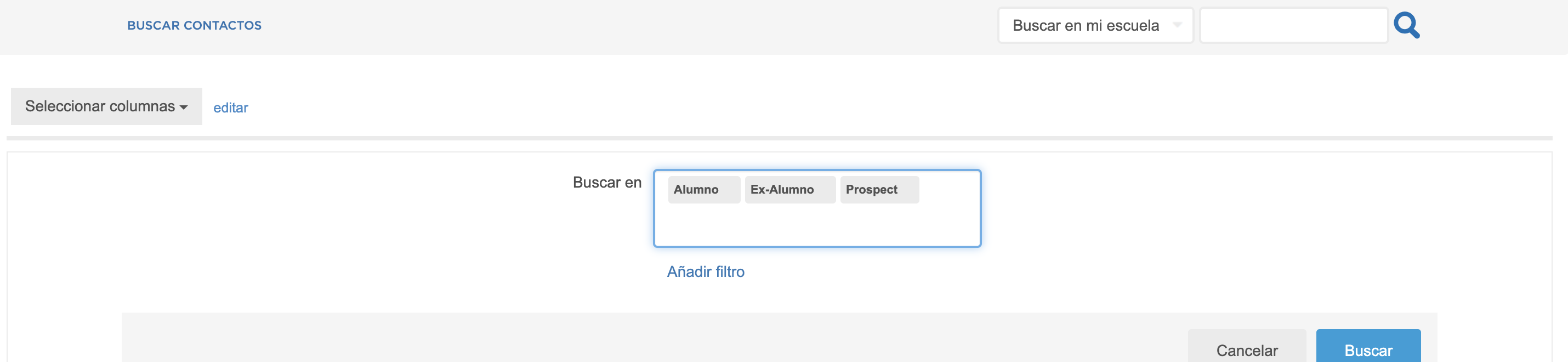
click on Search (Search) and we will have the list.
Now let's save the list by clicking on the Save search button

Give the list a name and that's it!

This list will appear on the lists page.