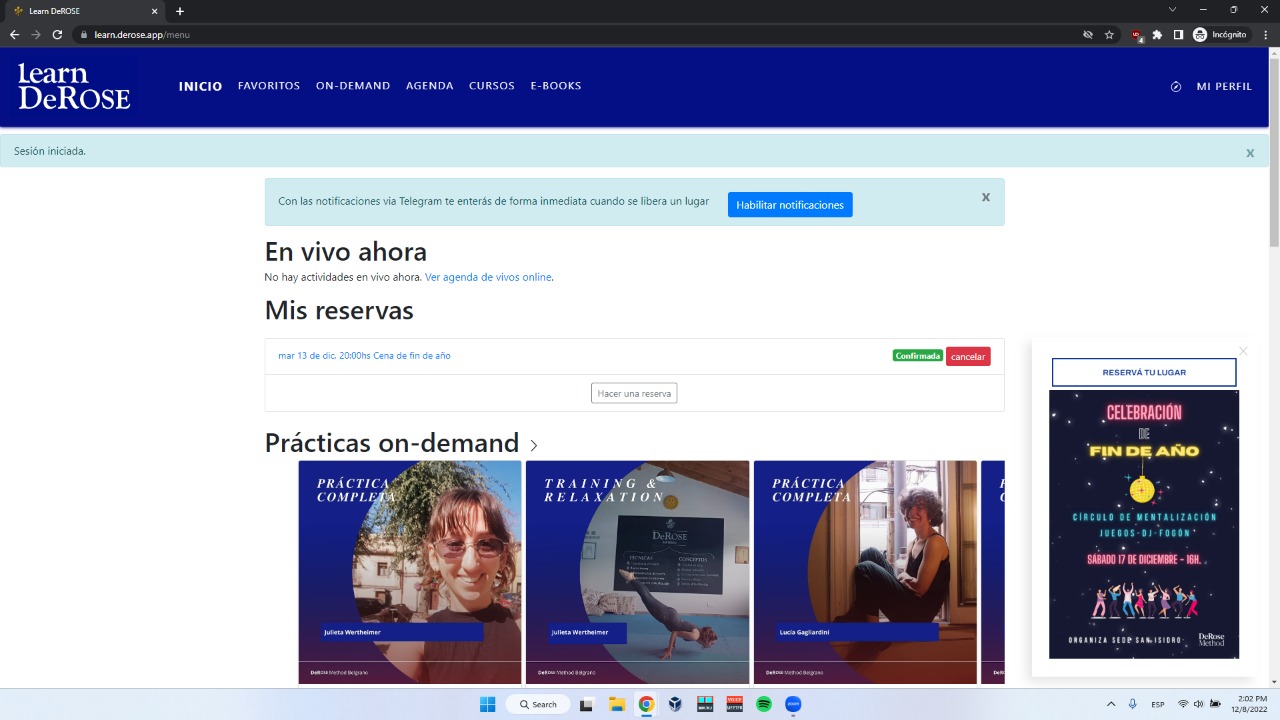
You can make **pop-up ads** for your users and promote special events, courses, products, and more.
We recommend using [OptiMonk](https://app.optimonk.com/) to create the ads and configure the details.
## Create the ad
Once the ad is finished, you will get an HTML code.
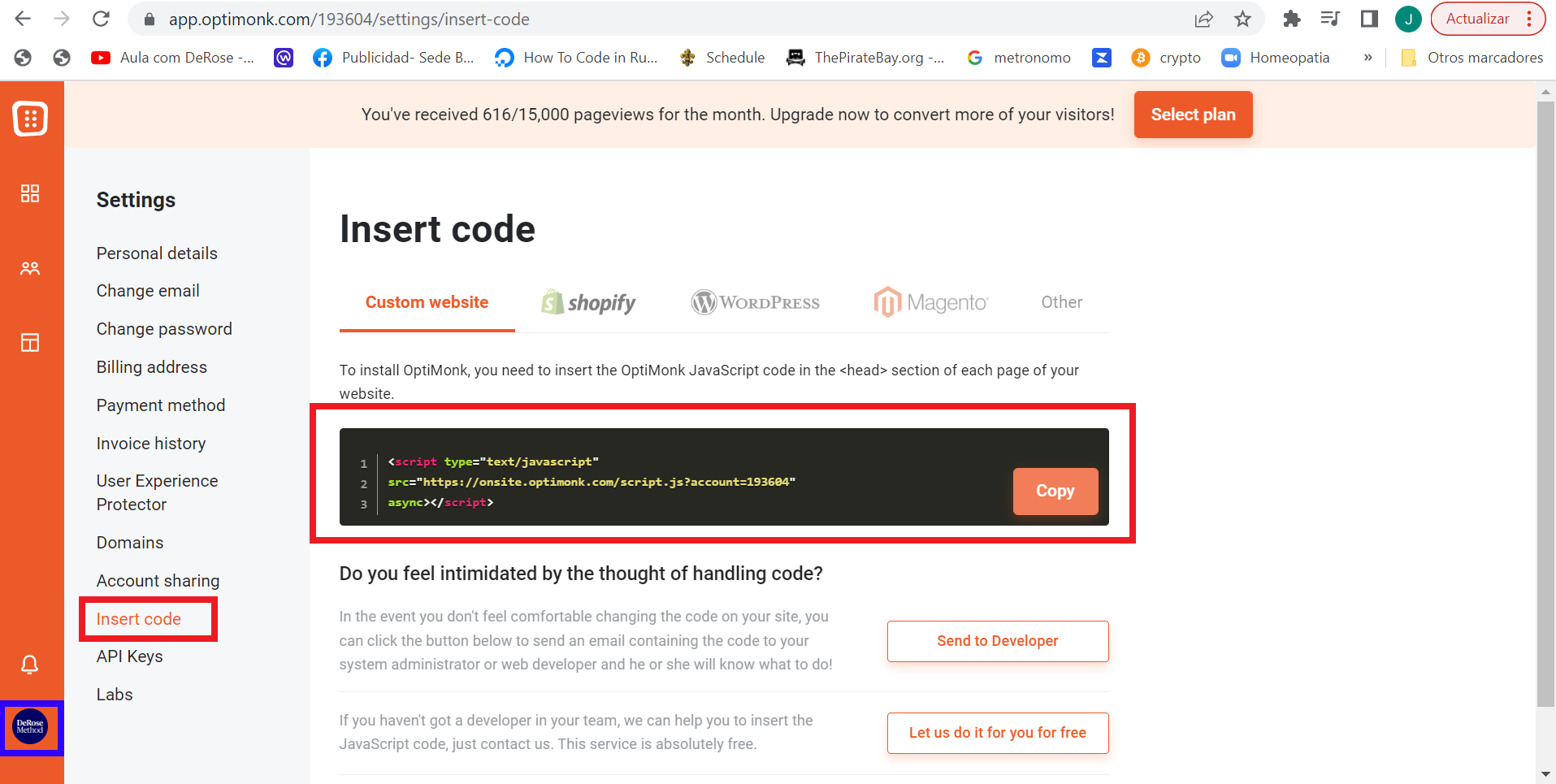
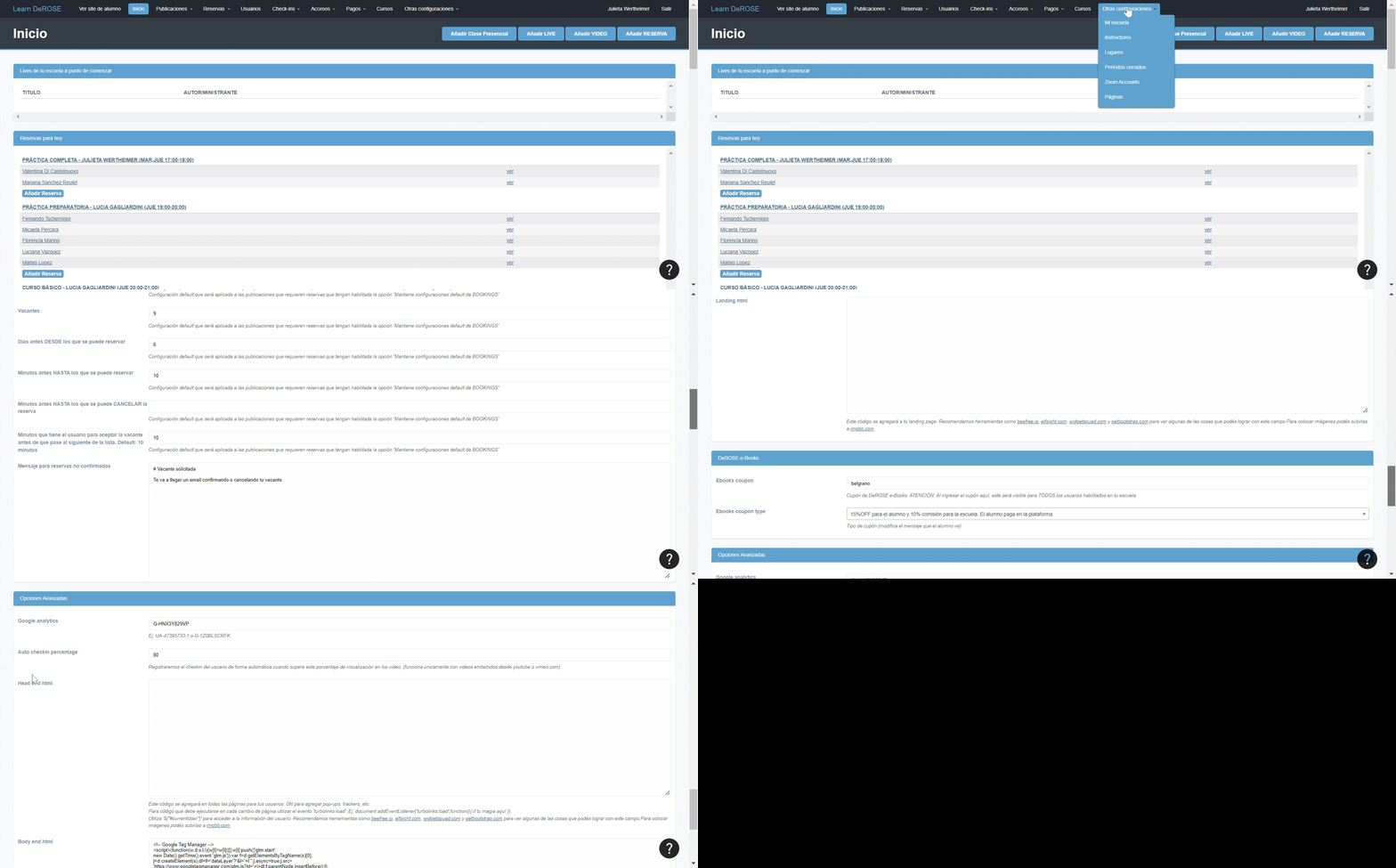
Paste the code in your school settings.
## Share the ad with other schools
You can share the ad code so other schools can use it. Check [OptiMonk in multiple schools](https://deroseapp.notion.site/abcc722f8b3c4253b1b9d75dc9a30074).
## Example